
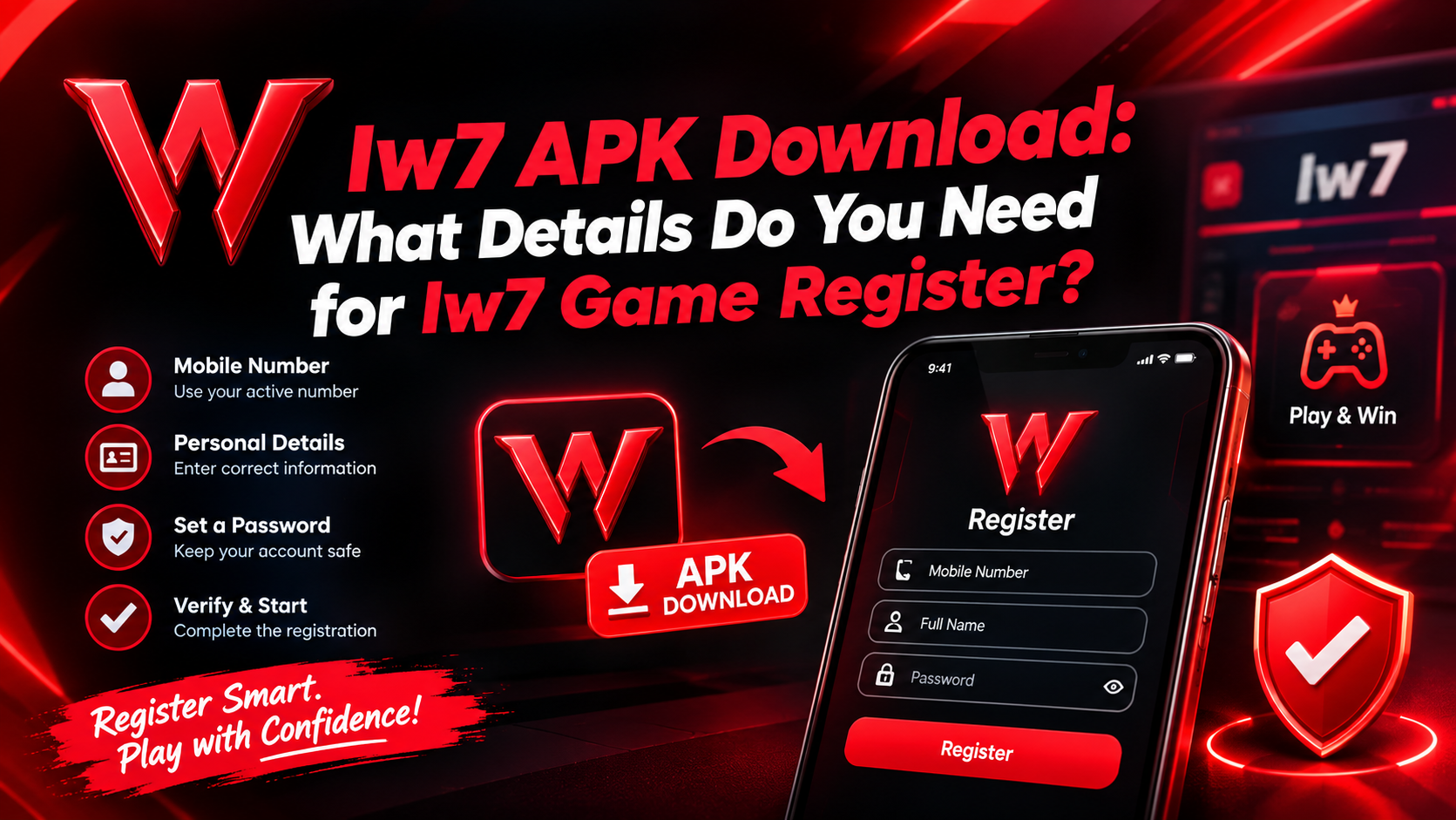
Looking for the Iw7 APK? Wondering what you need before you start? Mobile number? OTP? Password? Or something more? Many users stall at the Iw7 game register screen because they miss one small detail. So what exactly do you need in hand? And how do you finish without errors? This guide answers both. You will learn what the Iw7 game register form asks. You will also see how to stay safe and fix errors. No guesswork, just clear steps. Ready? Let’s get your details sorted.
What Is the Iw7 APK, and Is It Safe to Download?
The Iw7 APK is the Android app file for this gaming platform. It’s small. The official site lists it at 25 MB, so it installs fast on most phones.
| Detail | Info |
| Name | Iw7 APK |
| Size | 25 MB |
| Version | Updated version |
| Browser use | Android and iOS |
Here’s the catch. Fake APKs exist. So download only from the official site.
Your phone may ask to allow installs from unknown sources. Switch that on only for the install. Then turn it off again.
Also check the permissions the app asks for. Anything odd? Skip it. Once the app is on your phone, you’re ready for Iw7 game register.
What Should You Check on Your Phone Before You Install?
A quick check saves trouble later.
- Free storage of at least 25 MB, plus a little extra
- A decent battery level
- A stable Wi-Fi or mobile data connection
- A working SIM, since the OTP arrives by SMS
- Updated security software, if you use any
Take two minutes for this. A smooth install makes Iw7 game register much easier.
What Details Do You Need for Iw7 Game Register?
Good news. The registration process asks for very little. Keep these ready before you start:
- A mobile number you own
- Access to that number for the OTP
- A strong password you’ll remember
- A steady internet connection
- A referral code, only if an offer asks for one
| Detail | Why It’s Needed | Quick Tip |
| Mobile number | Creates your account ID | Use your own number |
| OTP | Proves the number is yours | Never share it |
| Password | Protects your login | Mix letters, numbers, symbols |
| Internet | Lets the page and OTP load | Avoid weak signal |
The official site for Iw7 Game says it uses OTP-based sign-up. It calls this fast and safe. That’s why your number must stay active during Iw7 game registration.
Some platforms also set a minimum age. Check the terms before you go ahead. Your details for registration should always be your own.
How Do You Complete Iw7 Game Register Step by Step?
It takes just a few minutes. Follow this order:
- Open the official Iw7 site or app.
- Tap the register button.
- Enter your mobile number.
- Type the OTP you receive.
- Set a strong password.
- Log in with your number and password.
- Explore the game lobby.
Notice what’s missing? No long forms. The site describes a quick sign-up with just your number, OTP, and password. That’s how it frames Iw7 game register.
Save your login details somewhere safe. You’ll need them every time you sign in. A password manager works well.
One more thing. Complete Iw7 game register in one sitting. Leaving halfway can expire your OTP.
Which Mistakes Break Iw7 Game Register?
Most failures come from small slips. Here are the usual ones:
| Problem | Likely Cause | Fix |
| OTP not arriving | Weak signal or typo | Recheck number, then resend |
| OTP rejected | Code expired | Request a fresh code |
| Password refused | Too weak | |
| Page won’t load | Poor network | Switch to stable Wi-Fi or data |
Don’t spam the resend button. Wait a minute first. Too many tries can slow things down.
Still stuck? Contact support through official channels. Share the issue, not your OTP. A genuine agent never needs your OTP to fix Iw7 game register.
How Do You Keep Your Account Safe After Iw7 Game Register?
Safety doesn’t end at sign-up. Build these habits:
- Never share your OTP or password.
- Use a password you don’t use elsewhere.
- Avoid public Wi-Fi when you log in.
- Log out on shared phones.
- Update the app from the official source only.
The site stresses data protection and fair play. But you share the job. A safe account starts with careful habits right after Iw7 game register.
Keep gaming fun. The site calls it entertainment, not fixed income. Play only with money you can afford to lose. Indian rules on real-money online games changed in 2025, so check what applies in your state.
Which Payment Methods Work After Registration?
The site lists UPI, Paytm, PhonePe, and Google Pay. Pick the one you use daily.
Finish Iw7 game register first. Then add money only if you choose to. Always read the latest deposit and withdrawal terms before you pay.
Conclusion
Keep it simple. You need a mobile number, an OTP, and a strong password. Download from the official site IW7GameAPKIn.com.
Complete Iw7 game register in one go. Guard your OTP like cash. Do that, and Iw7 game register should go smoothly.
Ready to Get Started? Download the Iw7 APK from the official site and complete your Iw7 game register today. Found this guide useful? Share it with a friend who’s about to sign up.
Frequently Asked Questions
1. What details are needed for Iw7 game register?
You need a mobile number, an OTP, and a password. That’s all the site mentions for Iw7 game register. Use your own number and keep it active.
2. Is the Iw7 APK safe to download?
Download it only from the official site. Fake files exist. Check app permissions and skip anything odd. Keep your phone’s security updated.
3. Why am I not getting an OTP during Iw7 game register?
Check your number first. Then check your signal strength. Wait a minute and tap resend. Still nothing? Contact official support.
4. Can I use one mobile number for two accounts?
The site doesn’t say. Many platforms allow one account per number. Read the terms or ask official support.
5. Can I register for the Iw7 game on an iPhone?
The site says its design works on Android and iOS browsers. So you can try from a browser. The APK file itself is for Android.