
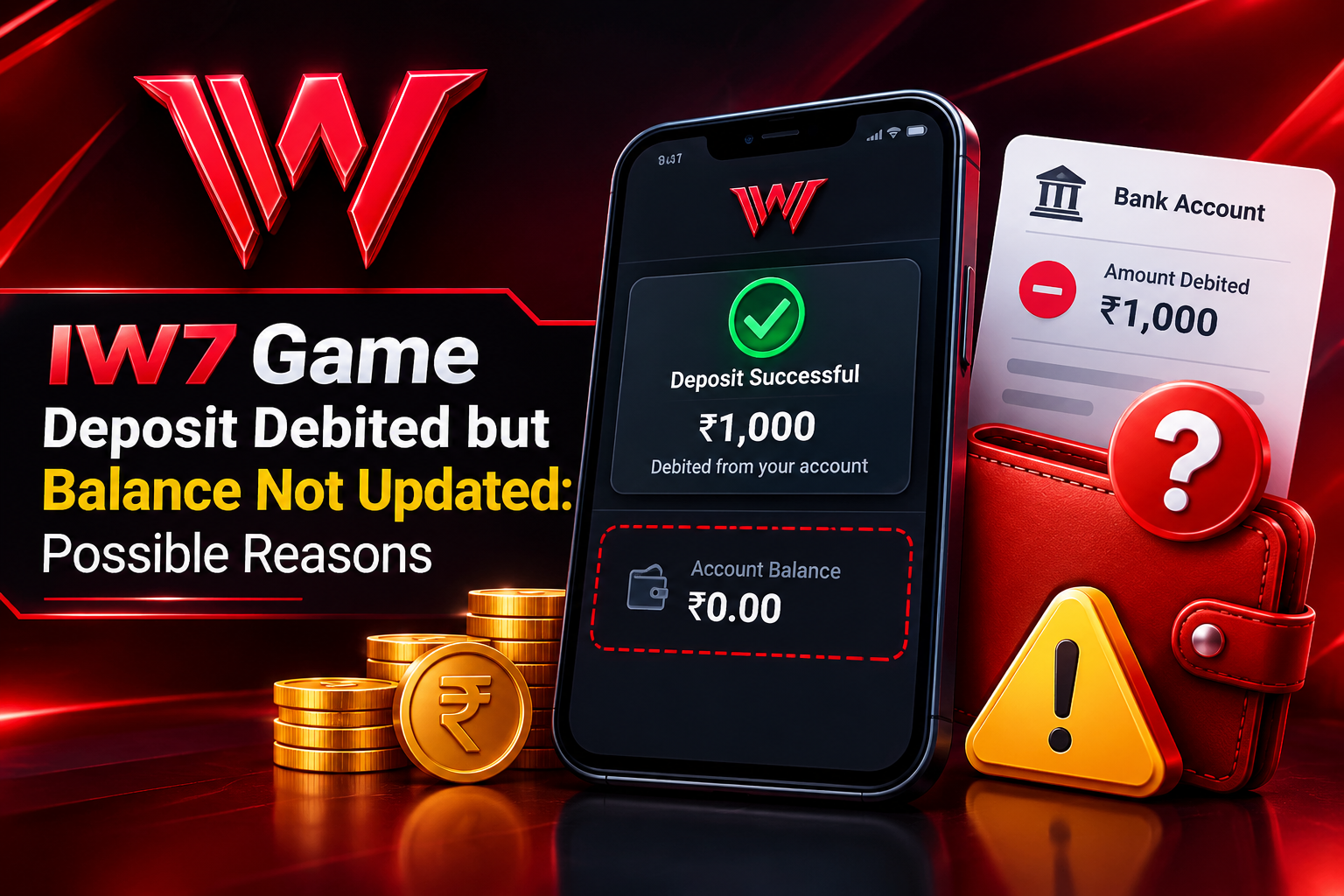
Did cash go out from your bank account, but your game wallet still shows zero? Lots of gamers run into this exact problem all the time. It gets frustrating when cash goes missing from one place and fails to show up in the other.
No need to worry too much right away. Your cash is almost always safe inside the payment line. In this guide, we will look at why your IW7 Game Deposit takes time to show up. We will also give you clear, fast steps to fix it.
Why Your Cash Goes Out First
When you send money, your bank pushes it out at once. After that, the game app gets the transfer request and checks all details. That quick verification check takes a short bit of time.
If any server along the way runs slow, your cash hangs out in between. Your bank sends you a debit text message straight away. But your game wallet has to wait for full confirmation before updating your total.
Busy Times and Server Load
A huge crowd of gamers log in during nights and weekends. So many users online at once puts extra load on bank networks.
During these crowded hours, transfers take a bit more time to go through. Doing your IW7 Game Deposit during quiet hours usually goes through much quicker.
Rules and Guidelines for Safe Payments
Every online game app sets clear safety rules for cash deposits. Make sure to read through the iw7 privacy policy before adding funds to your account. That page explains how the platform keeps your personal banking info secure.
You should also look at the iw7 disclaimer page for full payment rules. Knowing these rules helps avoid simple mistakes and protects your funds.
Quick Summary of Key Deposit Rules
- User Verification: Name on bank account must match your game account profile.
- Third-Party Payments: Using a friend’s UPI account can delay or block your IW7 Game Deposit.
- Reference Matching: Always double-check reference IDs before submitting the payment receipt.
- Processing Window: Wait at least 30 minutes before raising a support ticket.
What to Do When Balance Is Not Updated
If your game total does not update, take these easy steps right away. Doing the right things saves time and gets your money credited quickly.
- Give the app 15 to 30 minutes to update.
- Take a clear picture of your bank payment receipt.
- Save the full UPI reference ID or order number.
- Check your bank texts to see if the money came right back.
- Close and open your game app to check your wallet again.
- Reach out to customer help if your money is still missing after an hour.
How to Contact Official Customer Support
When auto-updates do not work, getting help from real staff is your best bet. Head over to the official iw7 contact-us page to reach out to the help team.
Send along your user ID and that payment screenshot. Clear proof helps support staff locate your lost transfer much faster. You can also visit iw7gameapkin.com for extra helpful tips and news.
What to Send to the Help Team
Help the support team solve this fast by sending all details in your first message. Send your registered phone number along with your game account ID.
Attach the bank receipt image that shows the full reference ID clearly. That way, staff can track down your IW7 Game Deposit by hand in just a few minutes.
How to Avoid Future Payment Problems
Stopping delays before they happen is way better than waiting on stuck cash. Stick to these easy tips to make every IW7 Game Deposit go through smoothly.
First off, check your network connection before opening the app. Stick to fast Wi-Fi or strong phone signal whenever moving cash. Second, stay away from making deposits during late-night bank maintenance times.
Third, never pay through someone else’s UPI app or bank account. Stick strictly to your own bank account that uses your real name. Following these basic rules stops payment holds from happening down the road.
Summary
A delayed IW7 Game Deposit can feel scary, but your cash is safe. Most delays come down to slow bank networks or weak internet signals. Built-in checks usually fix pending transfers within an hour without you doing anything extra.
If your money stays stuck after waiting, get your bank receipt screenshot ready. Use official contact options to send your details over to the support staff. Always stick to safe payment rules and check your details every single time you send cash.
Frequently Asked Questions
1. Why is my IW7 Game Deposit debited but balance not updated?
Slow bank servers or quick signal drops mid-transfer cause this issue. Your cash is completely safe and updates once bank systems finish syncing up.
2. How long should I wait for my deposit balance to show up?
Give it at least 15 to 30 minutes for auto-updates to work. If main servers are super busy, transfers can take up to two hours to show up.
3. What details do I need to clear a pending deposit?
You need your game account ID, phone number, and a screenshot of your payment receipt. Make sure the screenshot clearly shows the full UPI reference number.
4. What happens if my payment fails completely?
When a transfer fails completely, your bank sends the money right back automatically. Returned cash usually hits your bank account in three to five business days.
5. Can I deposit money using my friend’s UPI account?
No, always stick to your own personal bank account or UPI app. Using someone else’s account triggers safety flags and causes long wallet delays.