
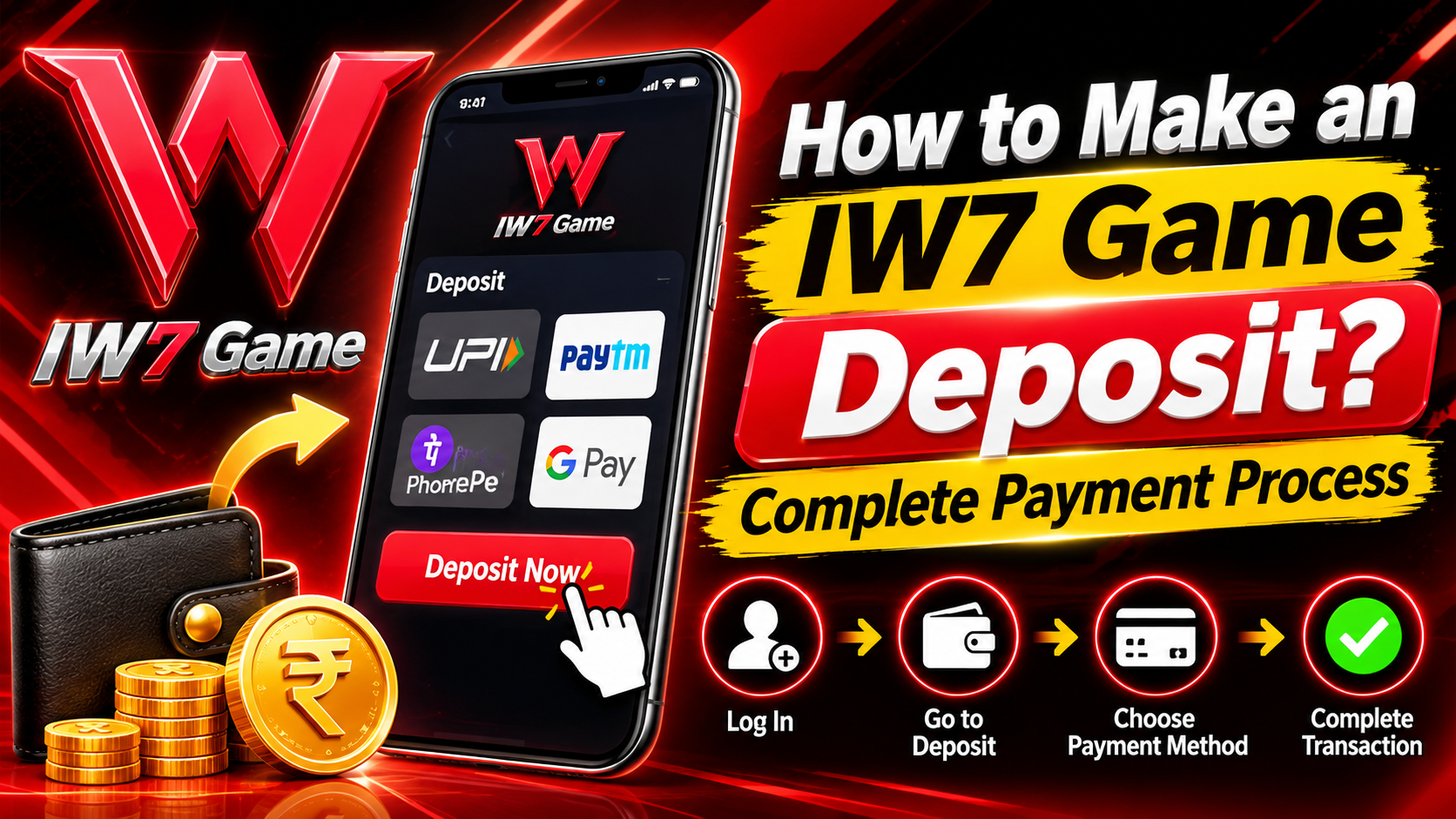
You can fund your gaming wallet in just 3 minutes with your trusted payment apps in India such as UPI, Paytm, PhonePe, Google Pay, etc. Please top up safely in accordance with the step-by-step rules of the wallet, which have been verified.
When you follow the right steps, it’s a breeze to make an Iw7 game deposit. We have tested these payment channels directly on Android devices to ensure that the payment speeds are accurate. Before you start your transfer, you can check all payment limits on https://iw7gameapkin.com/, which are currently live.
Supported Payment Methods for an Iw7 Game Deposit
There are four banking apps available that Indian mobile gamers can use to top up their accounts every day. Both options are directly linked to your bank and safeguard each and every rupee with your personal PIN.
- UPI Transfer: Transfer money directly from your bank account with any active UPI ID.
- Paytm Wallet: Get mobile top-ups instantly using your Paytm balance or linked bank.
- Send money securely using your UPI PIN (4-digit or 6-digit private PIN).
- Google Pay: Double-click and verify using a verified mobile bank account.
| Payment Option | Minimum Limit | Average Speed | Extra Charges |
| UPI Apps | Check Wallet Screen | 2 to 10 Minutes | Zero |
| Paytm | Check Wallet Screen | 2 to 10 Minutes | Zero |
| PhonePe | Check Wallet Screen | 2 to 10 Minutes | Zero |
| Google Pay | Check Wallet Screen | 2 to 10 Minutes | Zero |
Before sending money, make sure that the active deposit box is in your profile. The daily limits are updated on bank servers according to the network traffic.
5 Simple Steps to Complete Your Iw7 Game Deposit
A few steps are used to increase your game balance without making any mistakes. Before opening your banking app, ensure that you have a strong mobile data signal.
- Sign In Safely: Log in with your registered mobile number and password to your online gaming profile.
- Click the deposit tab at the top of your main lobby (Wallet Icon):
- Choose your payment app: UPI, Paytm, PhonePe, or Google Pay from the payment menu.
- Type Your Amount: Insert the amount of cash you want to put into your wallet.
- Verify and Refresh: Approve the payment with your UPI PIN and refresh your game lobby.
You will see your Iw7 game deposit in your playable balance in about 10 minutes. If the coin doesn’t show up, quickly take a screenshot of your payment receipt.
Common Reasons for an Iw7 Game Deposit Delay
Indian bank servers can be slow during peak hours or on weekends. While the payment gateway matches up your reference number, your money remains 100% safe.
- No Network Signal: When mobile data is off, the app won’t be able to read your bank confirmation.
- Bank Maintenance: Automatic wallet credits may be suspended for a certain period of time during nightly updates of the servers.
- Wrong UTR Number: If the UTR Number (reference ID) is typed incorrectly, it will make manual payments to the account take longer.
- Other Person’s Name: If you send cash from another bank account, it will delay your Iw7 game deposit.
Wait 20 minutes and repeat your game app if it seems like the balance is not moving. If your game deposit is not processed, please contact live chat support with a screenshot of your deposit in the process.
Essential Security Tips for Your Gaming Wallet
Smart payment habits ensure that your hard-earned money and personal details remain secure. Never rush through a transfer when playing real-money mobile games.
- Use the same Account Name: Pay from your own legal name bank account.
- Guard Your PIN: Don’t share your UPI PIN or SMS code with any staff member.
- Don’t use public Wi-Fi; Make sure to always use private mobile data when making any Iw7 game deposit.
- Set a daily cap: Determine how much you want to spend on entertainment before putting money in your wallet.
When you follow these four rules, you will have a smooth and worry-free IW7 game deposit. Before sending, double-click the receiver information on your screen.
How to Get Started on Your Android Device
The mobile client configuration process only takes a couple of minutes. First, download Iw7 game directly from the main site to receive the clean game. After downloading the Iw7 APK, install the Iw7 game APK on your Android device. Open the Iw7 app and tap Iw7 game register to create a player ID.
Then complete the Iw7 game registration with a verified cellphone. Players like the Iw7 app download because it provides fast lobby loading on budget phones. In the Iw7 game, you can follow bonuses and make an Iw7 game deposit at any time you desire to play.
Important Information About IW7 Game
More information on our gaming guides and testing methods can be found on our About Us page. We check every payment process and provide honest and real-life assistance to our Indian gamers. Looking for assistance with making an Iw7 game deposit?
Contact our support teams anytime from the Contact Us page or check our FAQ for quick fixes. For details on how we safeguard user information and clarify gaming rules, please read our Privacy Policy and Disclaimer pages.
Final Thoughts
When it comes to making a game deposit, players choose verified payment apps from India, and it is easy and quick. Use screenshots for your UTR, play within your personal budget, and play responsibly!
If you want to explore similar mobile gaming platforms and payment guides, you can also check out IC7 Game for more details.
Disclaimer: This article provides an overview of gaming and payment advice for information purposes only. Gambling in real money mobile games is risky, so play responsibly and abide by the local state laws.
Frequently Asked Questions
1. What is the smallest Iw7 game deposit I can make?
Minimum deposit limits change based on your chosen payment app and active offers. Open your wallet screen inside the game lobby to see the exact starting amount.
2. How fast does an Iw7 game deposit reach my wallet?
Most UPI and Paytm transfers appear in your playable balance within two to ten minutes. Busy evening bank servers can sometimes take up to twenty minutes.
3. Can I pay using my friend’s UPI or bank account?
No, always use a bank account or UPI ID registered in your own name. Third-party payments trigger security holds and delay your wallet balance update.
4. What should I do if my Iw7 game deposit fails?
Wait twenty minutes first because Indian banks usually refund failed transfers automatically. If the cash does not return, share your UTR receipt with support.
5. Does Iw7 charge extra fees on wallet top-ups?
No, the game wallet adds zero service charges when you deposit funds. Check with your own bank to confirm if standard UPI limits apply to your account.
1 thought on “How to Make an IW7 Game Deposit? Complete Payment Process”
Pingback: IW7 Game: Installation, Registration, Login, and Security Tips