
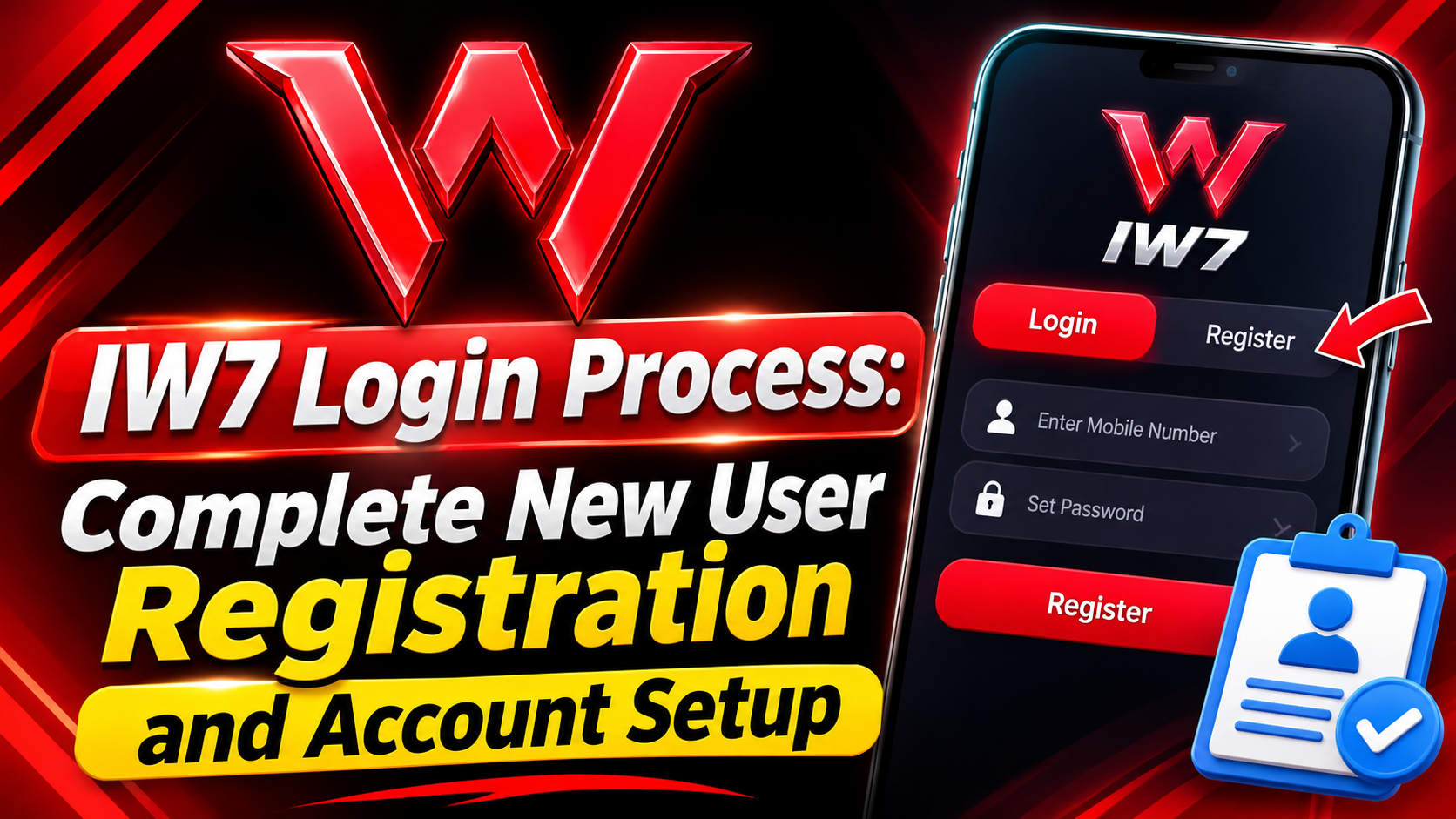
Follow this easy step-by-step procedure to create your new player account, verify your mobile number, and complete your Iw7 game login safely on your Android phone.
It takes a matter of two minutes to create a new player profile and log in. The Iw7 game login is explained in detail; it will be easier for you to finish the game without any problems. Check out iw7gameapkin.com anytime to get clear setup instructions and safe updates.
Essential Requirements Before Starting Your Iw7 Game
You can review your phone settings and account information in the early stages to prevent yucky registration waiting periods. Ensure that your phone and internet connection are working before you click on the registration screen.
Just a personal SIM card and an internet connection are required. Be sure to have sufficient free room on your phone to ensure that the mobile application loads quickly without freezing.
| Setup Item | Why It Matters | Quick Check |
| Active Phone Number | Receives your private text verification code. | Keep your SIM card safe inside your phone. |
| Strong Password | Secures your player wallet and profile information. | Use six or more letters and numbers. |
| Stable Internet | Loads login forms and codes without delay. | Use a reliable mobile data or home Wi-Fi network. |
| Latest App Version | Prevents bugs and old file errors from appearing. | Check for recent updates before logging in. |
How to Complete New User Registration in 6 Easy Steps
Players will need to register an account before entering the main game lobby. Sign-up forms use quick text message codes that confirm your actual phone number.
- Open your Android phone’s mobile browser or app.
- Enter the form by pressing on the main register button on the home screen.
- Carefully enter your ACTIVE 10-digit mobile number into the top box.
- Use a combination of numbers and letters for a strong password.
- Click Send Code and type your text message code.
- Click the submit button to complete your profile and log into Iw7.
How to Keep Your Iw7 Game Login Safe and Secure?
After you register your profile, all you need to sign in is your phone number and secret password. Practice safe habits to prevent strangers from gaining access to your personal player account.
- Before entering any confidential information, check the official webpage or mobile application.
- Carefully fill in your registered mobile number and secret word, with no spaces.
- Do not give out your login password or text codes to anybody you don’t know or a friend.
- Log out totally when signing on to a shared phone or shared device.
How to Fix Common Iw7 Game Login Errors Quickly?
Sometimes sign-in is thwarted by a minor typing error or poor cell reception. Most minor access issues can be solved within a minute.
- Ensure you have a good mobile signal or strong Wi-Fi connection.
- Click on “Forgot password” to reset a lost or forgotten secret code.
- If the messages start coming in slowly, wait 60 seconds and ask for a new text code.
- Restart the app and restart again to remove minor freezes.
Why Should You Use the Latest Version for Iw7 Game Login?
You can be sure your mobile application is secure and daily loading time is optimized. The old software files are responsible for causing crashes or preventing you from logging in.
- Newer versions correct and resolve software bugs that slow down your phone screen.
- New files provide improved security for personal information and wallet.
- The fresh updates run easily on newer Android phones and don’t freeze or lag.
Important Information About IV7 Game
Visitors can read the important pages of our website and understand clearly how everything works. To find out how our team is creating helpful guides, visit our About Us page. Use the Contact Us section for quick answers from support staff. Please always consult our FAQ, Privacy Policy, and Disclaimer pages to learn how we safeguard user data.
Ease of Iw7 App download for Android users is the priority for using them to play easily. With the Iw7 app, you can directly access your account dashboard every day. Confirmed pages are where you can view details of the Iw7 game APK. Take safe steps when downloading the Iw7 APK on your cell phone.
Make sure that all Iw7 APKs are from a clean file before installing. On a stable web connection, the Iw7 game download is completed in seconds. Immediately after setting up, open the Iw7 game and complete the Iw7 game register form. Then, use that same information to log in to the Iw7 game with ease daily.
Final Thoughts
Follow these simple steps to complete the Iw7 game login and sign-up. Always use your own phone number, choose a good password, and do not share your codes. If you need any clear guidance to manage your mobile profile safely, then refer to official guides.
If you want to explore similar mobile gaming platforms and payment guides, you can also check out IC7 Game for more details.
Disclaimer: This guide is for educational purposes for users aged 18+ only. Iw7 Game involves financial risk, and we do not guarantee any winnings. Please follow local laws and play responsibly within your budget.
Frequently Asked Questions
Q1. How Long Does the Iw7 Game Login Process Take?
The Iw7 game login takes less than 15 seconds once your profile is active. Simply enter your registered mobile number and password to open your main dashboard.
Q2. Is an Active Mobile Number Mandatory for Registration?
Yes, you need an active mobile number to verify your new account. During setup, the system sends a quick text code to confirm your identity safely.
Q3. How Can I Reset a Forgotten Iw7 Game Login Password?
Tap the forgot password link right below the Iw7 game login boxes. Enter your registered phone number to receive a reset code and create a new password.
Q4. Why Am I Getting an Error During Iw7 Game Login?
Check that your mobile number and password have no spelling mistakes. If the error persists, verify your internet connection or update your mobile application.
Q5. Is It Safe to Save Iw7 Game Login Details on Shared Devices?
No, never save your Iw7 game login details on a shared or public phone. Always log out completely after playing to keep your personal profile secure.